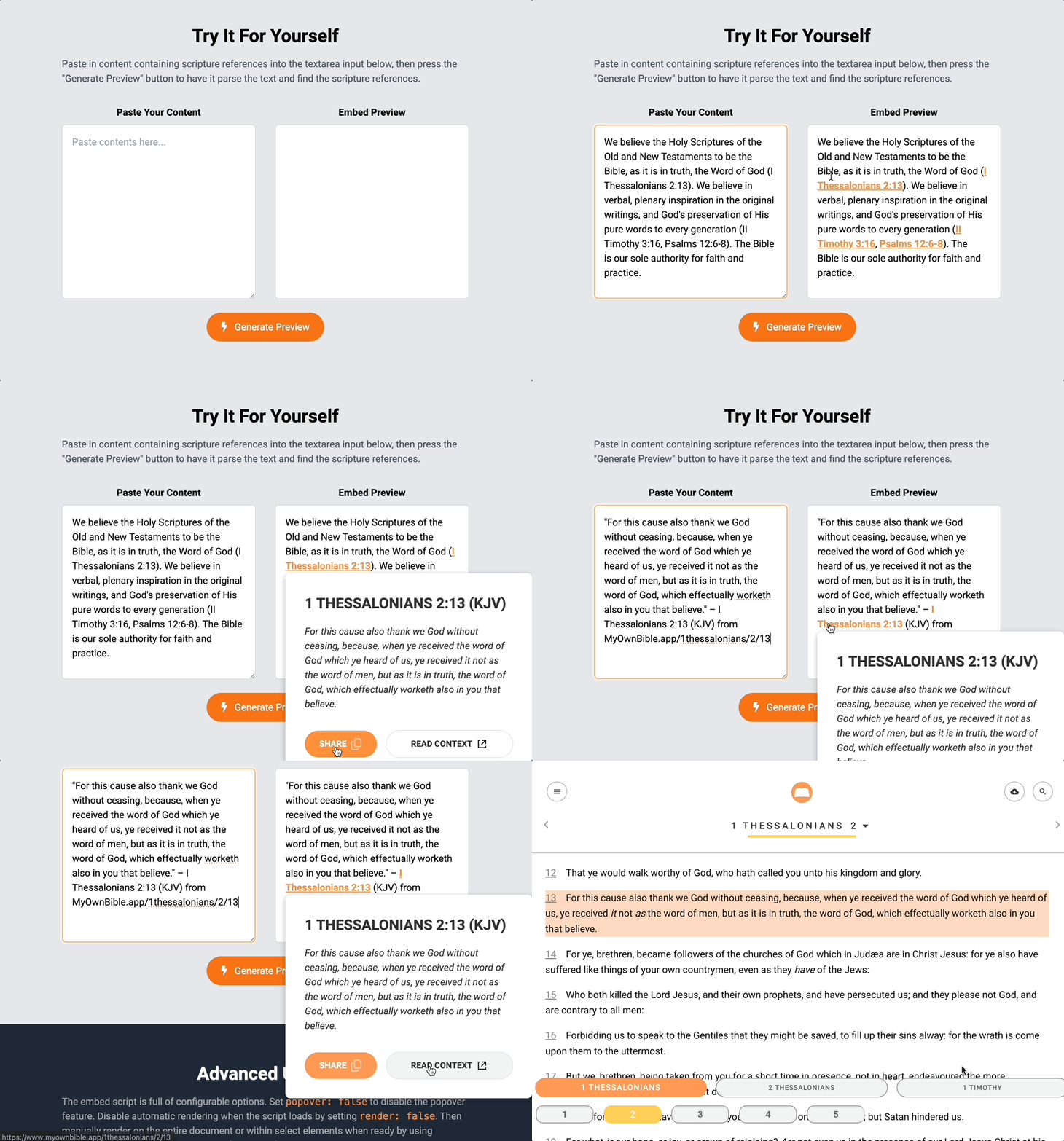
MyOwnBible offers web developers the ability to embed Bible verse autolinking and preview directly into your websites. With a plug-n-play script, website visitors will see hyperlinked scripture verse references that launch MyOwnBible.app and provide quick popover preview of the verses as well as verse sharing to social media.
Copy and paste the following script into the <head> section of your website:
Paste in content containing scripture references into the textarea input below, then press the "Generate Preview" button to have it parse the text and find the scripture references.
Paste Your Content
Embed Preview
Advanced Usage
The embed script is full of configurable options. Set popover: false to disable the popover feature. Disable automatic rendering when the script loads by setting render: false. Set preload: true to scan the page for scripture references and fetch all matching verse text in one batch request before visitors hover over a link. Change Bible translation language by setting language: "eng"to the ISO3 abbreviation for a supported translation — it is sent to the API as the X-Translation header, so book names, abbreviations and verse text all come back in that language. Then manually render on the entire document or within select elements when ready by using MOB.init(config) or await MOB.render(element). You can get all the parsed scripture references on the page or within an element using await MOB.parse(element), or preload them manually with MOB.preload(await MOB.parse(element)).
Breaking change: book names and abbreviations are now fetched from the API, so MOB.parse() and MOB.render() return Promises. Code that used the result of MOB.parse() directly, or expected links to exist right after MOB.render(), needs to await them.
You can also customize the styling of the CSS classes .mob-link, .mob-card, and .mob-btns with inline style overrides or completely disable them using the configuration options. Set styles: false to disable default styles.
Use this code sample instead of the simple script embed to customize MyOwnBible: